How to Check Which Apps Access Your Camera and Microphone
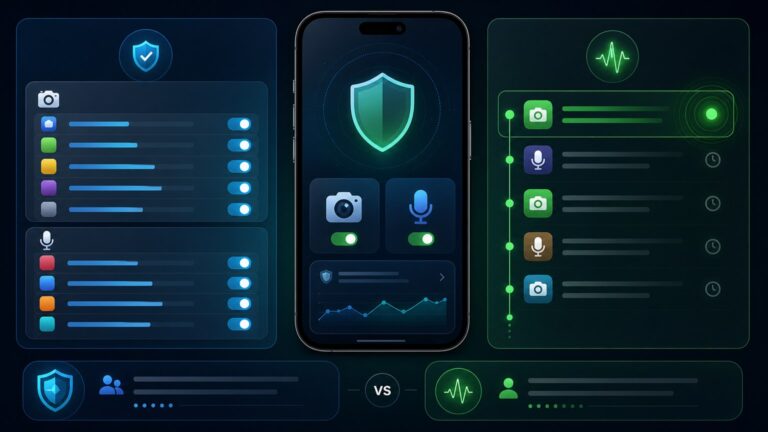
See which Android apps can use or recently used your camera and microphone, interpret privacy indicators, and reduce access without breaking calls or recording.
Android Privacy focuses on the settings and habits that affect what apps, accounts, and services can learn from your phone. The guides cover location history, clipboard access, camera use, lock-screen notifications, backups, accessibility permissions, app permissions, and preparing a device before it is sold or given away.Instead of recommending that every permission be disabled, each article explains why access may be needed, when it becomes excessive, and how to review it without breaking useful features. Use this category for a routine privacy checkup, after installing an unfamiliar app, before handing a phone to someone else, or whenever Android reports background access you do not recognize.
See which Android apps can use or recently used your camera and microphone, interpret privacy indicators, and reduce access without breaking calls or recording.

Limit app tracking on Android by reviewing location, advertising, account activity, background access, identifiers, permissions, and in-app privacy choices.
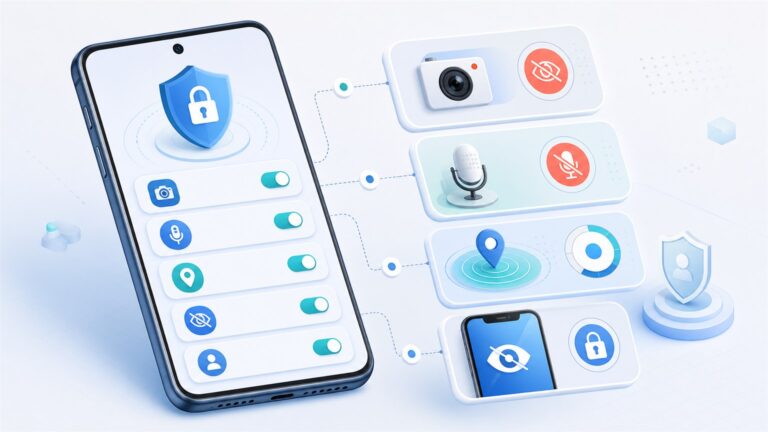
Review the Android privacy settings that reduce unnecessary camera, microphone, location, notification, advertising, and account activity exposure.

Improve Android phone security with a practical audit of updates, screen lock, app permissions, Play Protect, account recovery, backups, and risky settings.
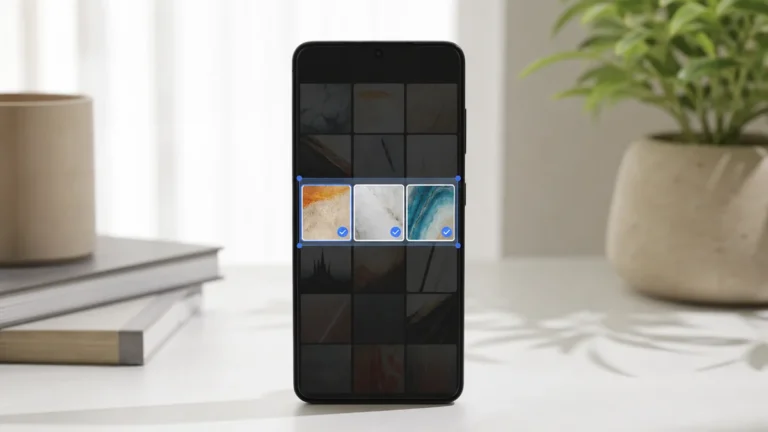
Use Android Photo Picker and selected-photo access to share only needed images, then review persistent grants, cloud photos, metadata, and broad media permissions.

Configure Android theft detection, offline lock, failed-authentication lock, remote lock, Find Hub, a strong screen lock, backups, and account recovery before a phone is stolen.

Respond safely to an Android unknown tracker alert by reviewing the route, playing a sound, searching belongings, recording identifiers, and disabling the tag correctly.
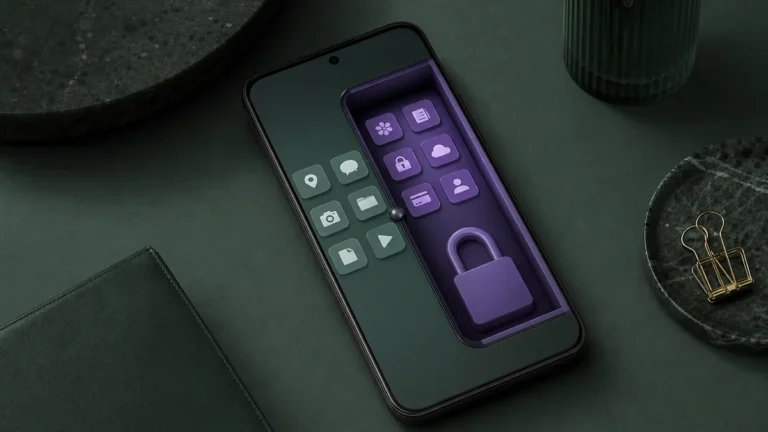
Set up Android Private Space with a separate lock and account while understanding notification, backup, VPN, computer-access, and recovery limits.
Use Android privacy indicators, Privacy Dashboard, and permission controls to identify microphone access, judge whether it makes sense, and remove unnecessary app permissions without breaking essential calls.

Understand Android clipboard exposure, automatic clearing, keyboard history, cross-device sync, sensitive copying habits, and permission signals.
Prepare an Android phone for transfer by backing up data, removing accounts, disabling protection locks correctly, erasing storage, and verifying the welcome screen.
