How to Know If an App Is Stealing Your Data

Assess whether an Android app may be taking data by comparing permissions, privacy disclosures, account activity, network behavior, symptoms, and verifiable evidence.
Practical guides for checking Android apps, understanding safety signals, reviewing installed software, and using Google Play protections.
Assess whether an Android app may be taking data by comparing permissions, privacy disclosures, account activity, network behavior, symptoms, and verifiable evidence.

Find Android apps installed outside Google Play, review which sources can install APKs, assess sideloaded packages, and close unsafe installation paths.

Find which Android apps use accessibility services, understand what that access can do, and safely disable entries you do not recognize or need.

Identify possible Android malware by combining behavior, permission, installation-source, Play Protect, account, and network evidence without relying on one symptom.

Learn what makes an Android app high risk by assessing its source, permissions, behavior, developer transparency, updates, data handling, and control over the device.

Remove unnecessary Android app permissions safely, understand high-impact access, test app behavior, and audit special permissions that normal lists can miss.

Google Play and Play Protect provide meaningful security layers, but store apps can still present malware, privacy, billing, or update risks.
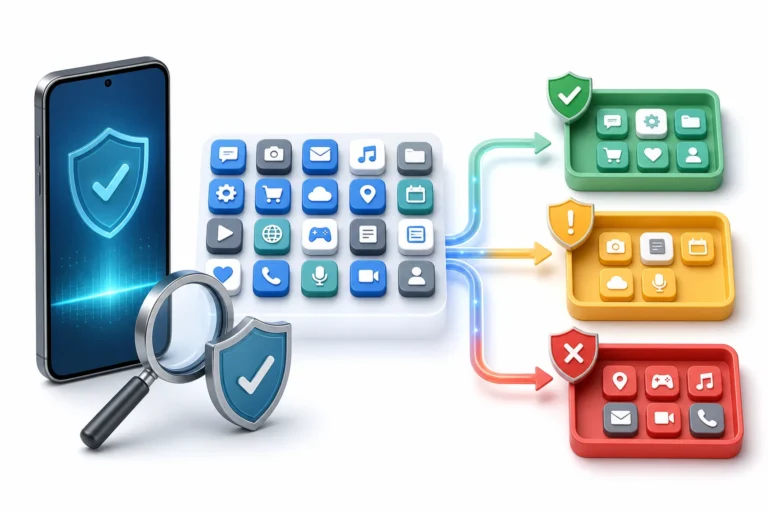
Audit installed Android apps with Play Protect, Permission Manager, Privacy dashboard, special access, battery use, data use, and a controlled removal plan.

Find risky Android apps by connecting warning signs such as overlays, unusual permissions, battery drain, data use, and account activity to evidence.

Learn which developer, permission, privacy, update, and billing signals reveal whether an Android app deserves your trust.
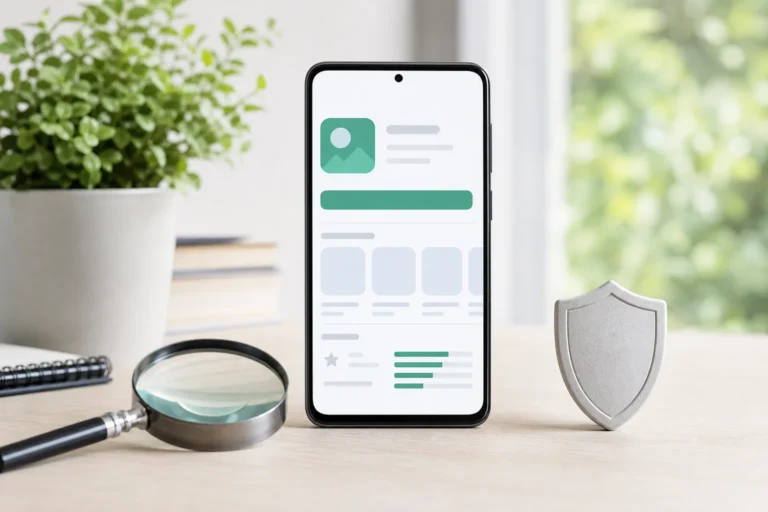
Check an Android app before installing it by reviewing the developer, permissions, Data safety details, privacy policy, updates, and Play Protect.